Your game backlog, finally in order
All the games you own, want to buy, and upcoming releases you're looking forward to, on one board and across all your platforms. Move a card when you start, pause, or finish a game. Ludota keeps track of your progress.
Free · No ads · Made by a gamer
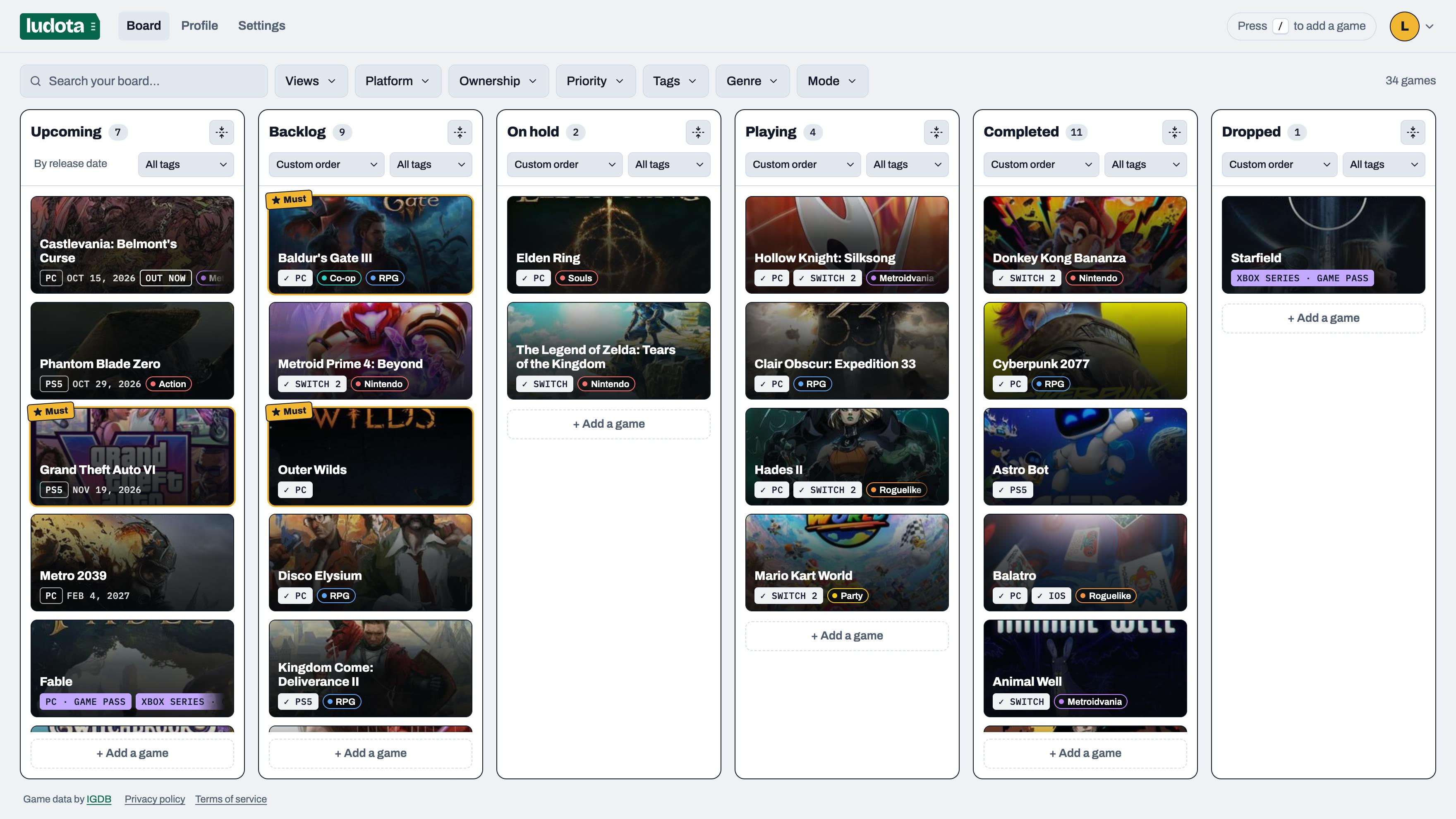
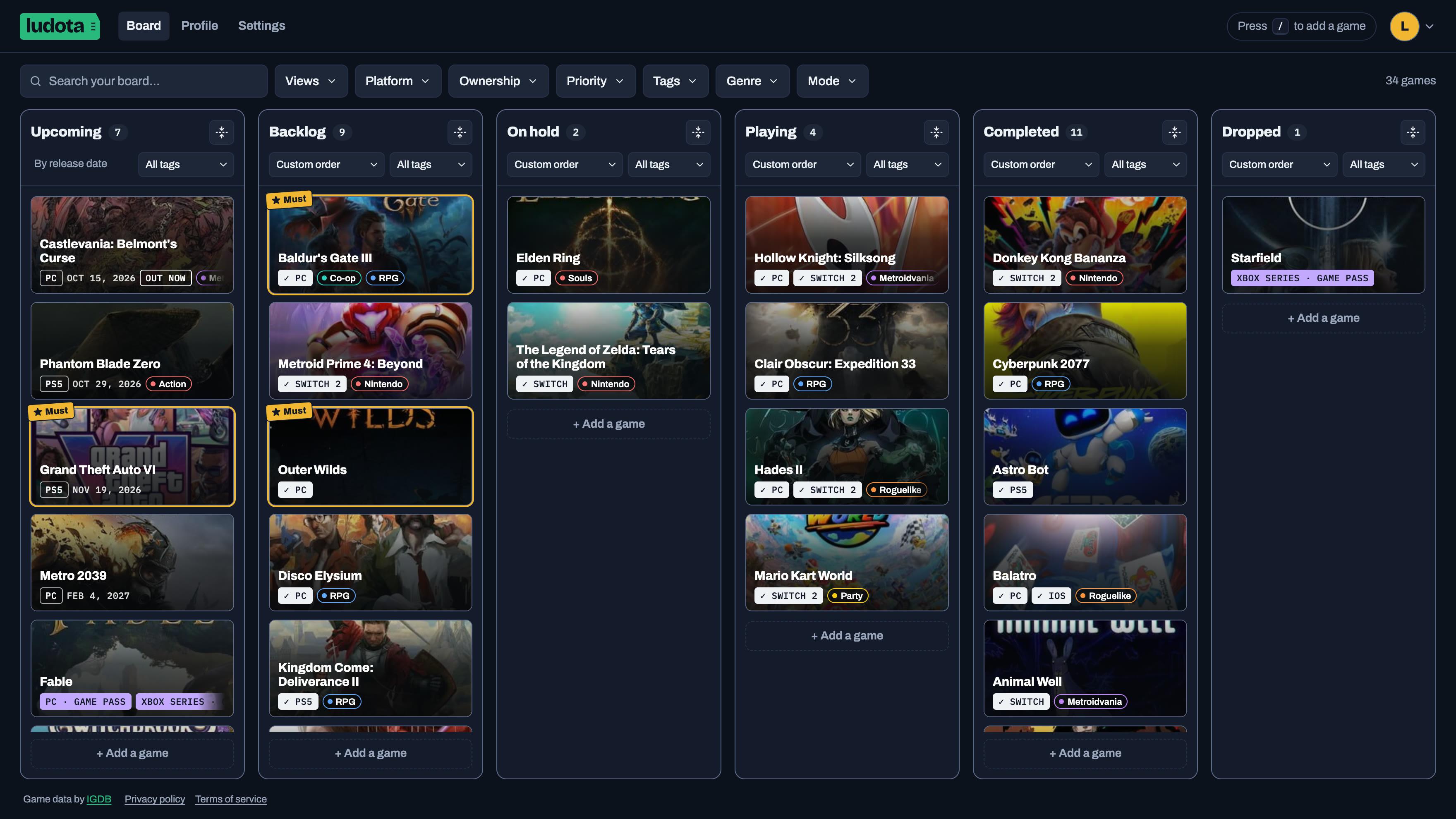
One board to rule them all, six columns to find them, one backlog to bring them all, and in the app bind them.
Move your games between six columns and keep track of your progress.
Upcoming
Get ready for upcoming releases
Type a game title and pick it from the list. Ludota adds the cover art, platforms, and release date for you. You'll get a notification when the game is out.
Backlog
Decide what to play next
Mark the games you want to play first as Must. Track which platforms you own each game on, whether it's included in a subscription, or whether you still need to buy it. Add notes and tags to organize your backlog your way.
Connect your Steam account to import the games you choose, along with your existing playtime.
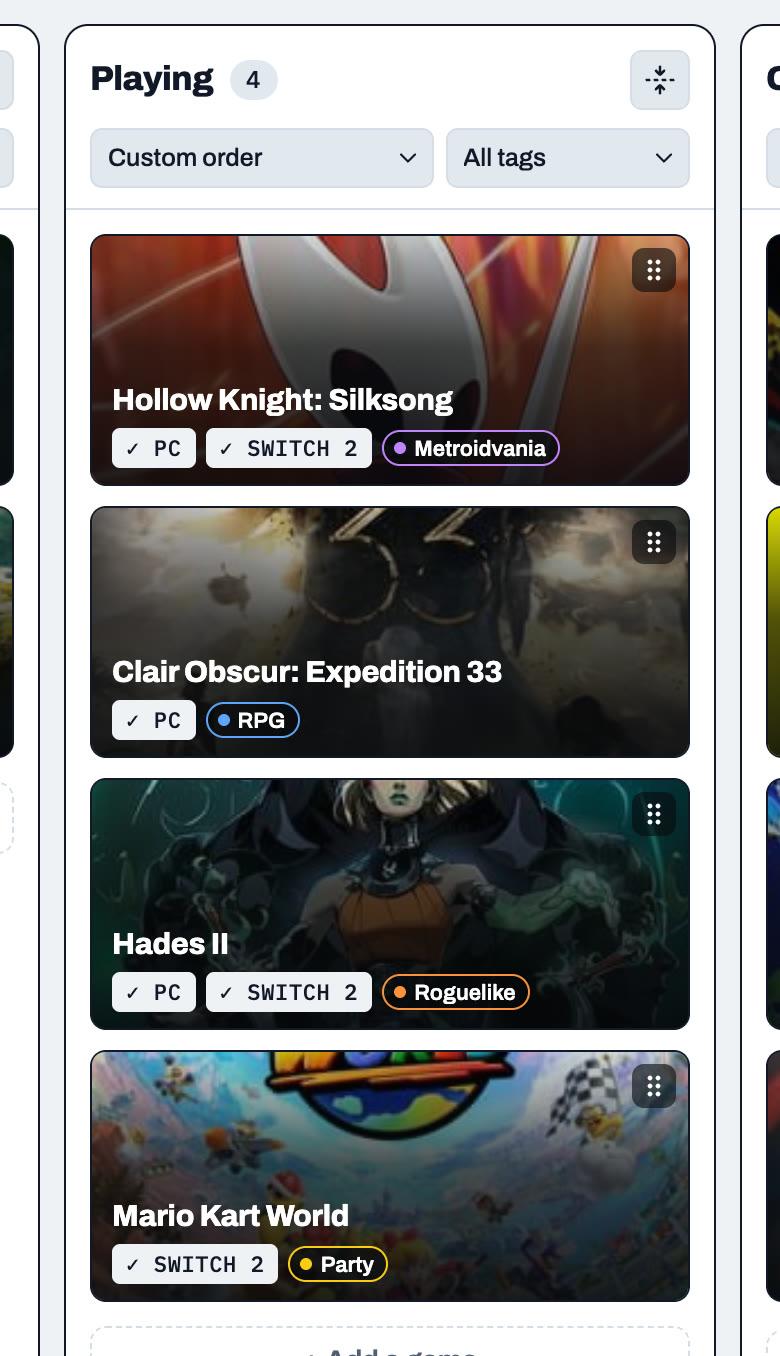
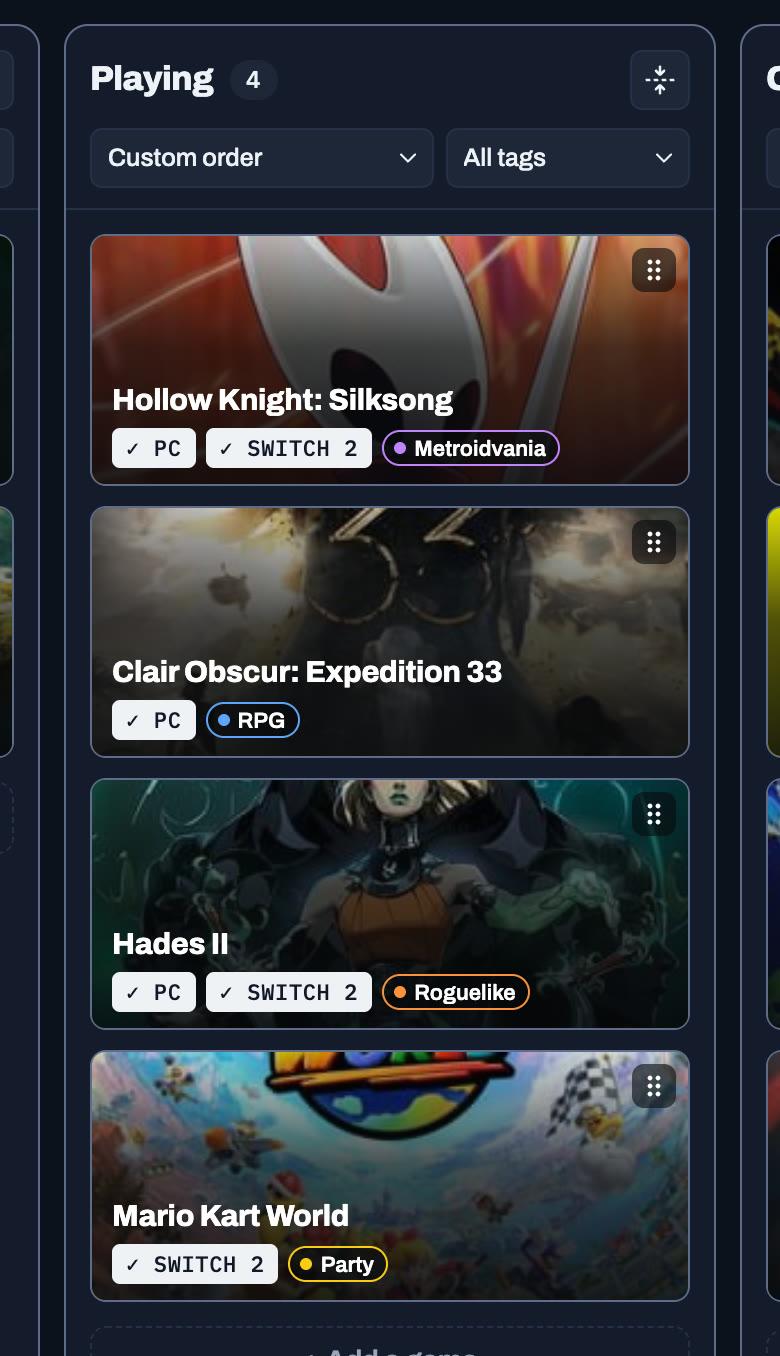
Playing
Keep track of when you start each playthrough
Move a game to the Playing column and Ludota records the start date. If you decide to play it again, you can track each new playthrough too.
Need a break? Move the game to the On hold column and pick it up again whenever you're ready.
Completed
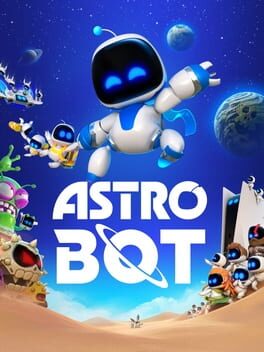
Every adventure leaves its mark
Whether you saved the world or only explored part of the story, just move your cards across the board to keep a record of your playthroughs.
Want to revisit your gaming history? You can edit playthrough dates and update your records.
Some games are left unfinished by choice. Move them to the Dropped column and make room for your next adventure.
Share your profile, if you like
Your profile is private by default. You can make it public or unlisted, so only people with your profile link can access it. Your notes, tags, and purchase details always stay private.
View @ludota's profile
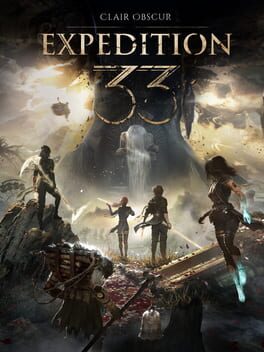




Simple by design
Your backlog, your way
Ludota focuses on what you need to manage your backlog: games to start, upcoming releases to keep an eye on, and a history of your playthroughs.
An intuitive board with all the essential features, so you can organize your games in just a few clicks and spend more time playing.
Other tools already cover reviews, ratings, and stats. Feel free to keep using them!
+ Add your first gameFrequently asked questions
Is Ludota free?
Yes! Ludota is free to use, with no ads.
Where does the game data come from?
From IGDB, the video game database behind Twitch.
Can I import my Steam library?
Yes! Connect your Steam account and choose which games to add to your board. They'll be marked as owned on PC, along with the playtime reported by Steam.
Can I find a game in a large backlog?
Yes! Search by title, filter by platform, ownership, genre, or tag, and save your favorite filter combinations as custom views.
Does Ludota work on mobile?
Yes! You can use it in your mobile browser or add it to your home screen to open it full-screen, just like an app.
Can I export my data?
Yes! You can export your entire board as a CSV file at any time and delete your account whenever you like.
What does beta mean?
Ludota is still in development, so things will change and improve over time. Found a bug or have an idea? Send us a message from the app.
Why is it called Ludota?
Ludota is an Esperanto word derived from ludi, meaning “to play”. It means “that which is to be played”. In other words, a backlog.